
Power BI for Beginners: What it can do for your Business
If you have ever opened Power BI and felt a bit overwhelmed, you are not alone. It looks powerful, colourful and full of features, but it can be hard to know where to start. The truth is that Power BI is one of the most helpful tools for small and medium businesses, especially if you are ready to move beyond spreadsheets without diving into anything too technical.
This guide will give you a simple, clear understanding of what Power BI can actually do and why it is worth considering, even if you are just starting your journey with data.
If you are still unsure whether you even need a dashboard yet, these five signs will help you decide before you pick a tool.
What is Power BI in simple terms?
Think of Power BI as a tool that gathers all your important information in one place and turns it into visuals you can understand at a glance. Instead of scrolling through thousands of rows in Excel, you get tidy charts, clear summaries and interactive reports that help you see what is really going on.
You do not need a technical background to use Power BI. You just need to know what questions you want answered.
And if you are still at the stage of getting your numbers into one tidy place, starting with a simple spreadsheet setup is often the best first step.
Why it is so helpful for SMEs
Most small businesses deal with messy data. This is also the point where “Business Intelligence” stops being a buzzword and starts being practical. Here is what it means in plain English.
A bit in spreadsheets, a bit in financial systems, a bit in emails and sometimes a few notes scribbled on paper. Power BI helps you bring all of this together.
Here are the benefits that make the biggest difference:
1. Everything in one place
Power BI lets you connect your spreadsheets, online systems and even simple lists so you can see everything side by side.
2. Visuals that make sense instantly
Charts, graphs and summaries help you spot patterns more quickly than scrolling through raw numbers.
3. Saves hours of manual work
Once your report is set up, you can refresh it with a click. No more copying and pasting data every week. If you are currently stuck in “copy, paste, fix formulas, repeat”, these reporting mistakes are usually the reason.
4. Helps you understand your business clearly
It shows you what is working, what is slowing you down and where your biggest opportunities are.
5. Works for both simple and advanced needs
You can start small and grow at your own pace.
Examples based on real world situations
Here are a few situations from my years working in data where a tool like Power BI made things much clearer:
-
A transport team used Power BI to compare planned routes against actual times. They quickly spotted which routes consistently caused delays and why.
-
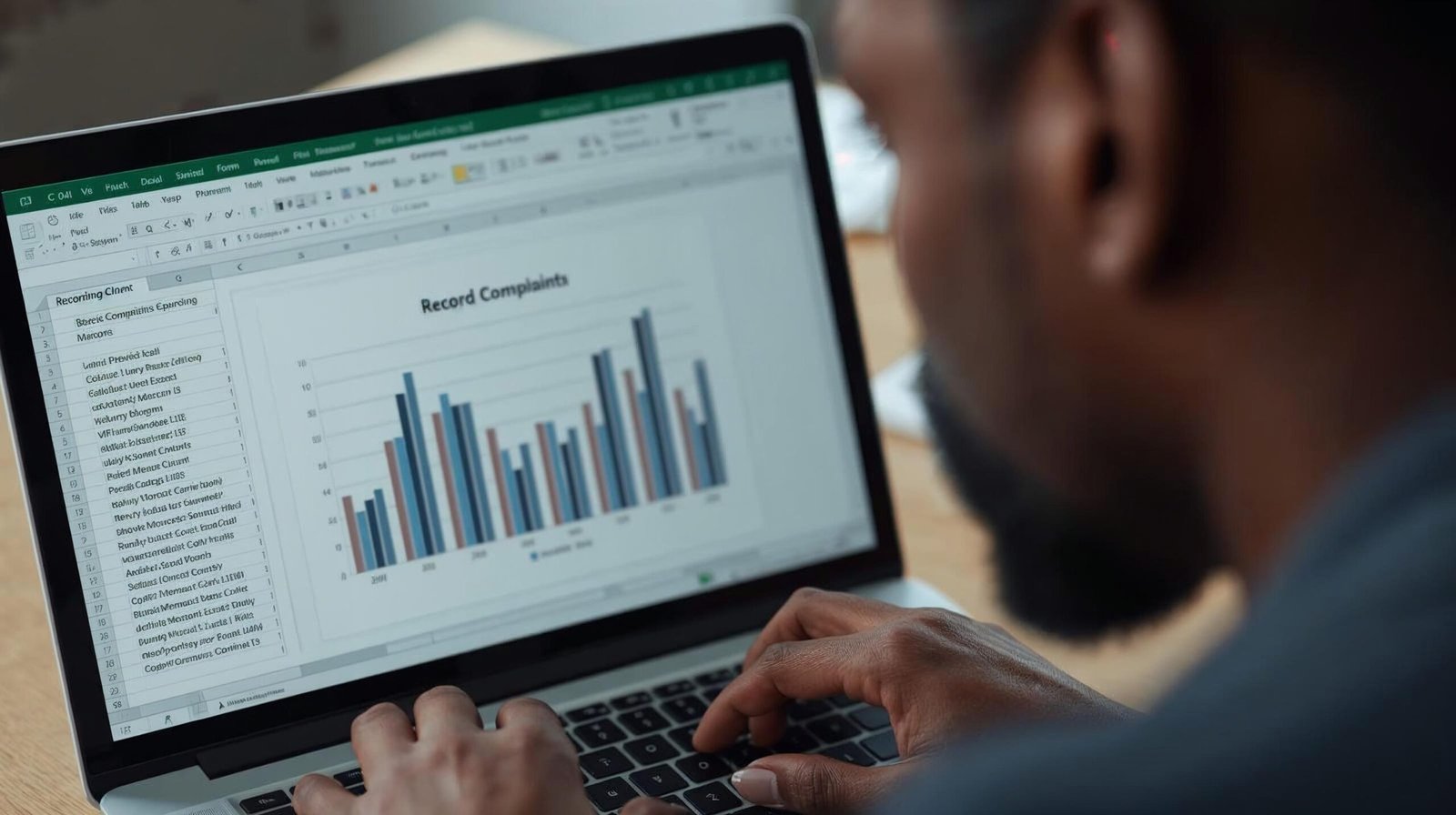
A water company used interactive reports to pinpoint the areas generating the most customer complaints. It helped them take targeted action instead of guessing.
-
A gas distribution team tracked job performance and saw where work was getting stuck. A simple visual made something obvious that had been missed for months.
-
A finance team used Power BI to map out their month end process. They saw exactly where most of the time was being lost, which made improving the workflow much easier.
These situations show how useful it can be to bring scattered information into one clear view.
Do you need technical skills to use it?
Not at the start. Most beginners begin with:
-
A handful of tables
-
A few charts
-
A simple dashboard
You can build surprisingly good reports with a few basic skills. As you grow, you can learn more features, but it is not something you need straight away.
What Power BI cannot do
Power BI is excellent, but it is good to know what it is not meant for:
-
It does not automatically fix messy data
-
It does not replace your business systems
-
It is not a miracle solution if you do not know what you want to measure
If you are also considering Tableau and want a simple comparison before committing, this breakdown may help.
It works best when you have a clear goal and the right guidance.
Where GrifflePop Analytics fits in
If you want to use Power BI but feel unsure where to start, you do not have to figure it out alone. At GrifflePop Analytics, I help SMEs understand what their data is telling them, build simple and effective dashboards, and develop confidence in using their information day to day.
My aim is not only to set things up for you, but to help you understand how to use them properly so you can make decisions with clarity.
Final thought
Power BI is not just for big companies. It is a practical, friendly tool that can help small and medium businesses see their data more clearly and save a lot of time.
Start small. Build one simple report. Learn what it is telling you.
Before long, you will wonder how you ever managed without it.
Discover more from GrifflePop Analytics
Subscribe to get the latest posts sent to your email.






One Response